
What is TeeDisk?
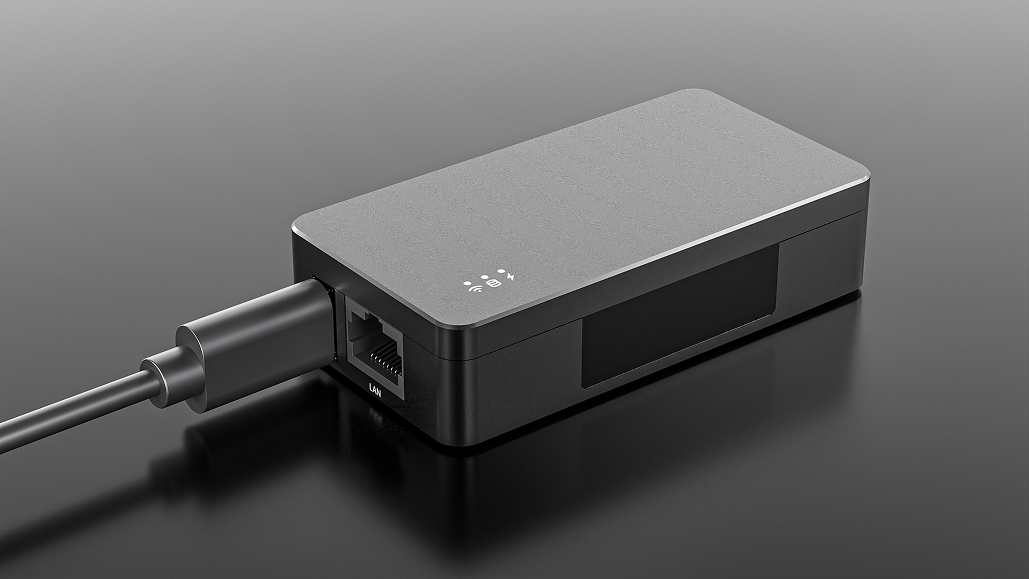
TeeDisk® is a network-enabled USB drive that can be accessed over Ethernet or Wi-Fi.
It connects to equipment just like a standard USB drive while also connecting to a local network or the internet through its built-in Ethernet port or Wi-Fi. Computers and mobile devices can then access files stored on TeeDisk over the network.
TeeDisk lets users transfer data over the network to equipment that uses USB drives for file exchange.
Main uses:
- Upload production files remotely to equipment that reads files from a USB drive.
- Retrieve files generated by equipment over the network, or automatically transfer them to a computer within seconds.
- Connect USB-based equipment to industrial automation and MES systems for automated production workflows.
TeeDisk is suitable for many types of industrial machines and equipment, including embroidery machines, CNC machines, injection molding machines, ultrasound machines, medical laboratory instruments, automatic screw fastening machines, winding machines, oscilloscopes, 3D printers, electron microscopes, digital signage players, industrial PCs, and other equipment that supports USB mass storage devices.
No Software Required. Plug and Play.
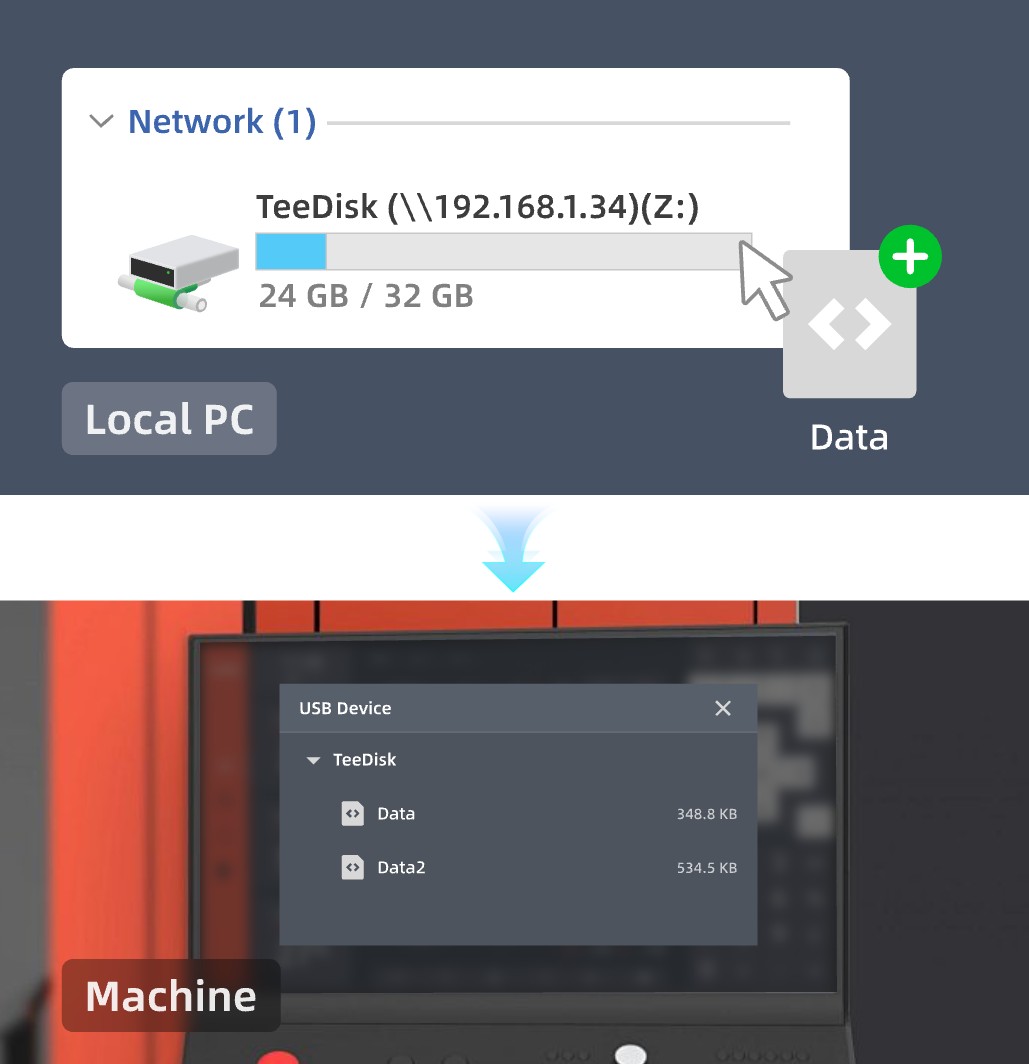
After connecting TeeDisk to the equipment, connect a computer to TeeDisk's network. Enter TeeDisk's IP address in File Explorer or map it as a network drive to access files in real time.
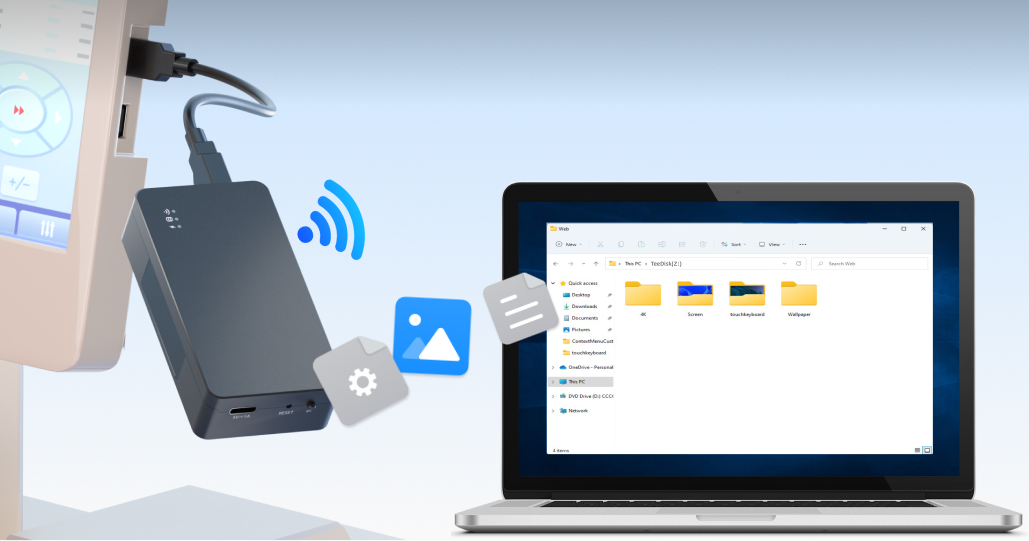
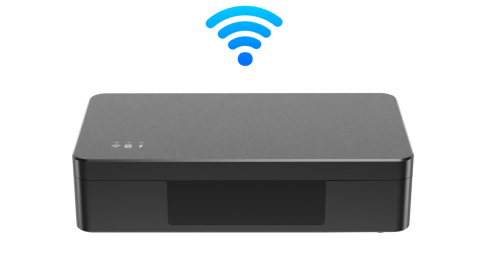
TeeDisk has a built-in Wi-Fi hotspot, so it can be used directly even when no external network is available.
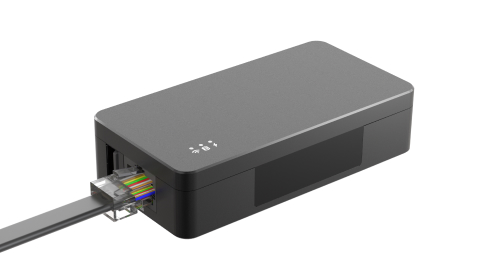
It also has an Ethernet port, converting USB-based file transfer to wired network transfer for extended range and a more stable connection.
Transfer Files from a Computer to Equipment
Transfer files from a computer to TeeDisk, and the connected equipment can access them directly. Files can be uploaded via SMB or FTP over the LAN, or through TeeDisk's built-in web interface.
Watch the video: Automatically Sync a Computer Folder to TeeDisk
Transfer Equipment-Generated Files to a Computer
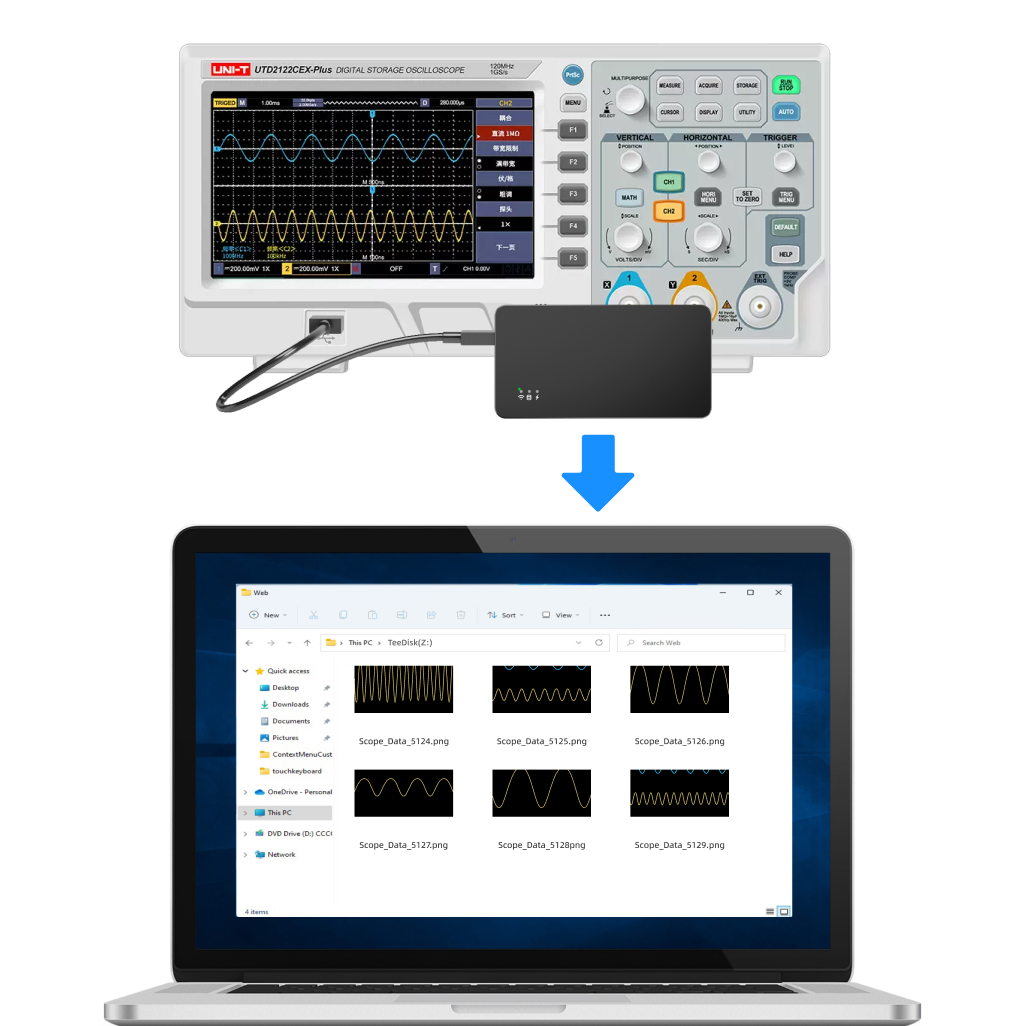
Some equipment generates files and saves them to a USB drive. Accessing those files typically requires removing the USB drive and connecting it to a computer. Examples include oscilloscopes, microscopes, electronic scales, scanners, and ultrasound machines.
With TeeDisk, files generated by the equipment are saved to TeeDisk and can be accessed remotely from a computer. There is no need to repeatedly unplug the USB drive or copy files manually.
Watch the video: Fast Network Transfer for USB Data
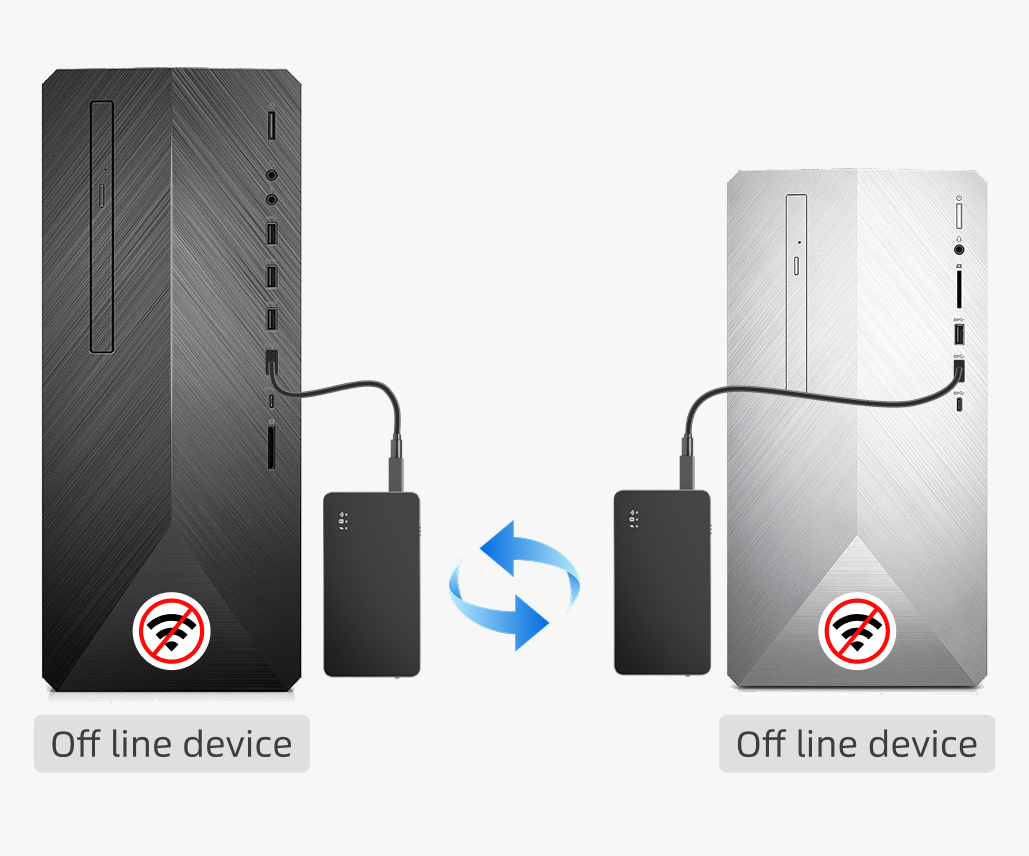
Automatic Synchronization Between Two TeeDisk Devices
Two TeeDisk devices can be paired for automatic synchronization, with each one connected to a different piece of equipment as a USB drive. After startup, they connect automatically over Wi-Fi with no additional configuration or internet access required. Files added or modified on either device are quickly synchronized to the other.
This keeps files on both devices synchronized, up to date, and backed up without manual copying.
Watch the video: Transfer Data for Offline Computer Equipment
Automatically Sync Data from a Server
TeeDisk can automatically retrieve the latest data from a server and deliver it to equipment without manual intervention.
This improves efficiency and reduces human error. Whether distributing program updates, transferring machining files, or synchronizing real-time data, TeeDisk completes the task quickly and accurately to keep equipment up to date and production running efficiently.
Automatically Collect Data
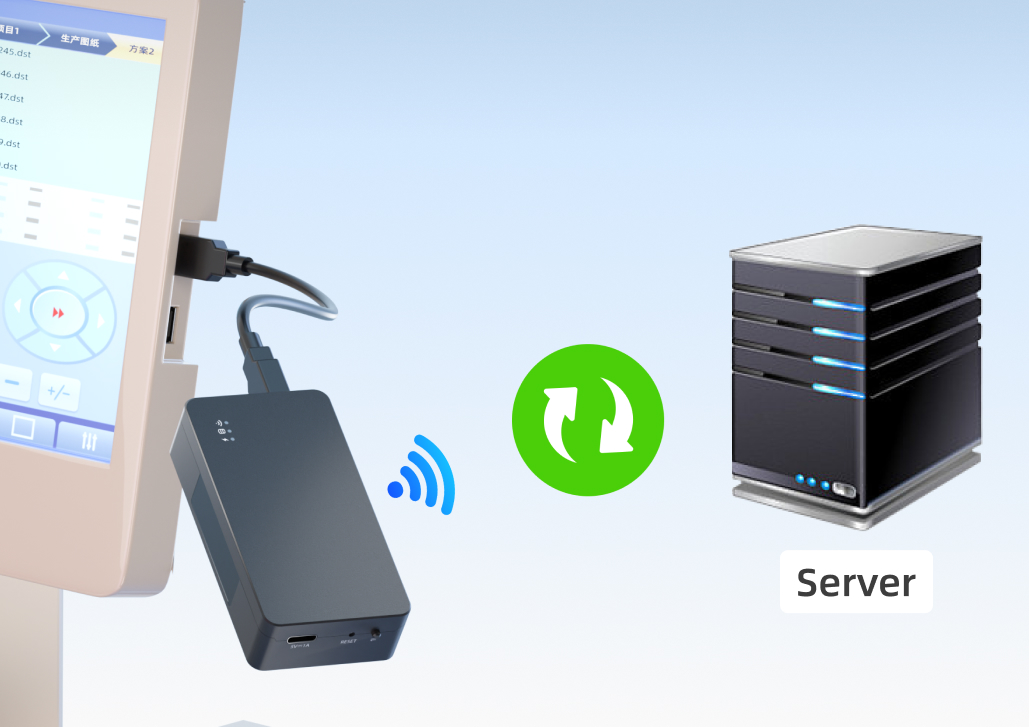
and Upload It to a Network Server
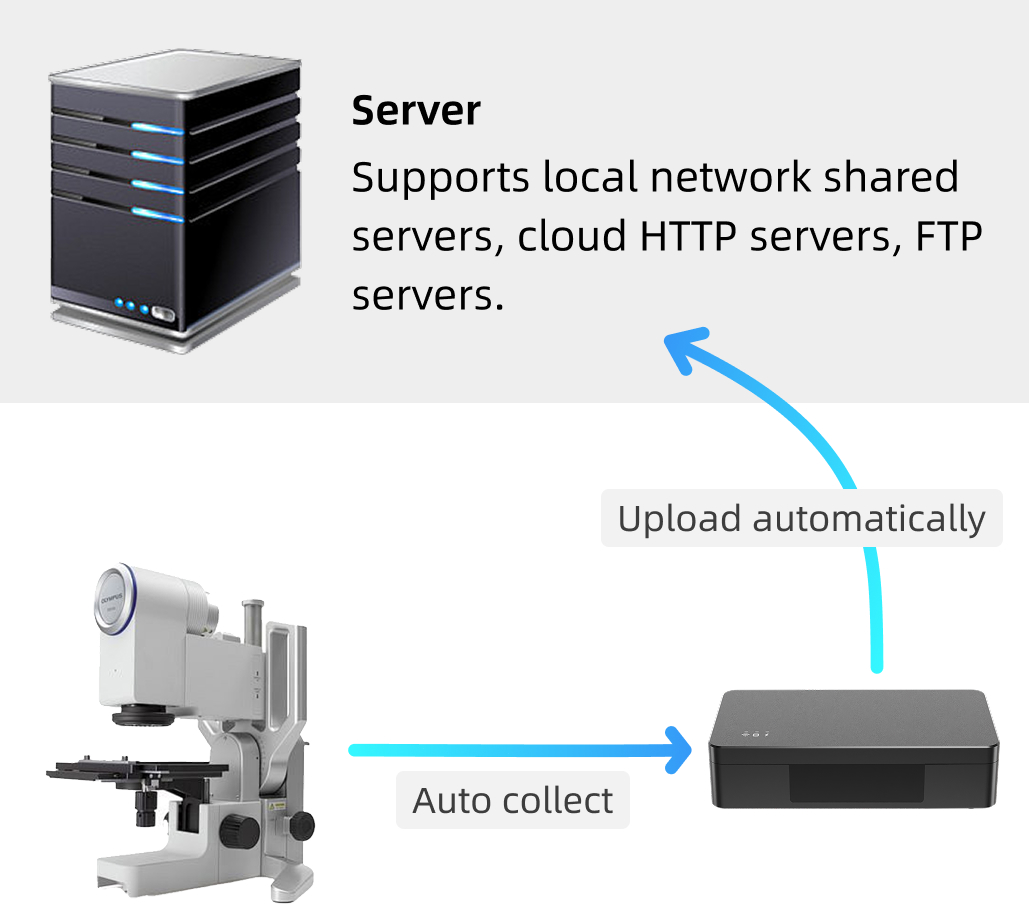
TeeDisk can collect files generated by equipment and automatically upload them to a designated server. The entire process, from completion of the file write to completion of the upload, can take as little as a few seconds, enabling near-real-time automated data collection.
Remote Access and File Transfer from Anywhere
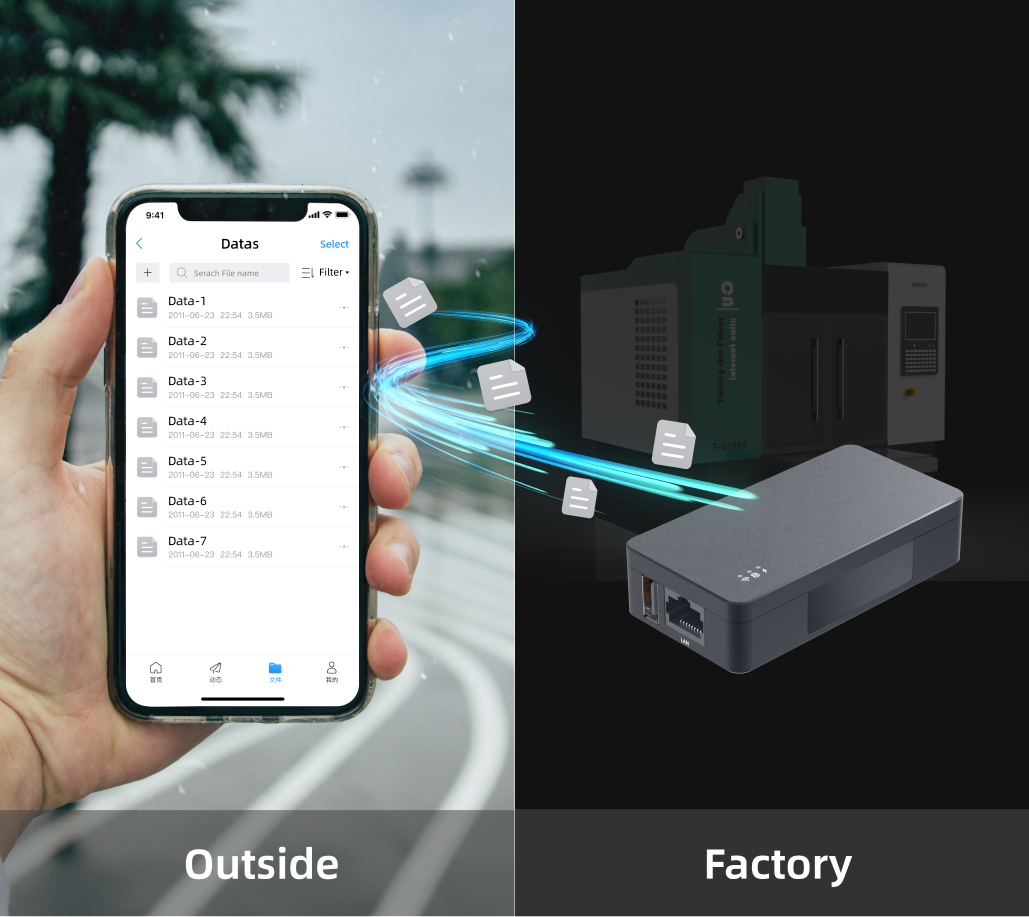
Once TeeDisk is connected to the internet through Wi-Fi or Ethernet, it can be accessed from computers and mobile devices anywhere, making remote file transfer simple and convenient.
Centralized Management for Multiple TeeDisk Devices
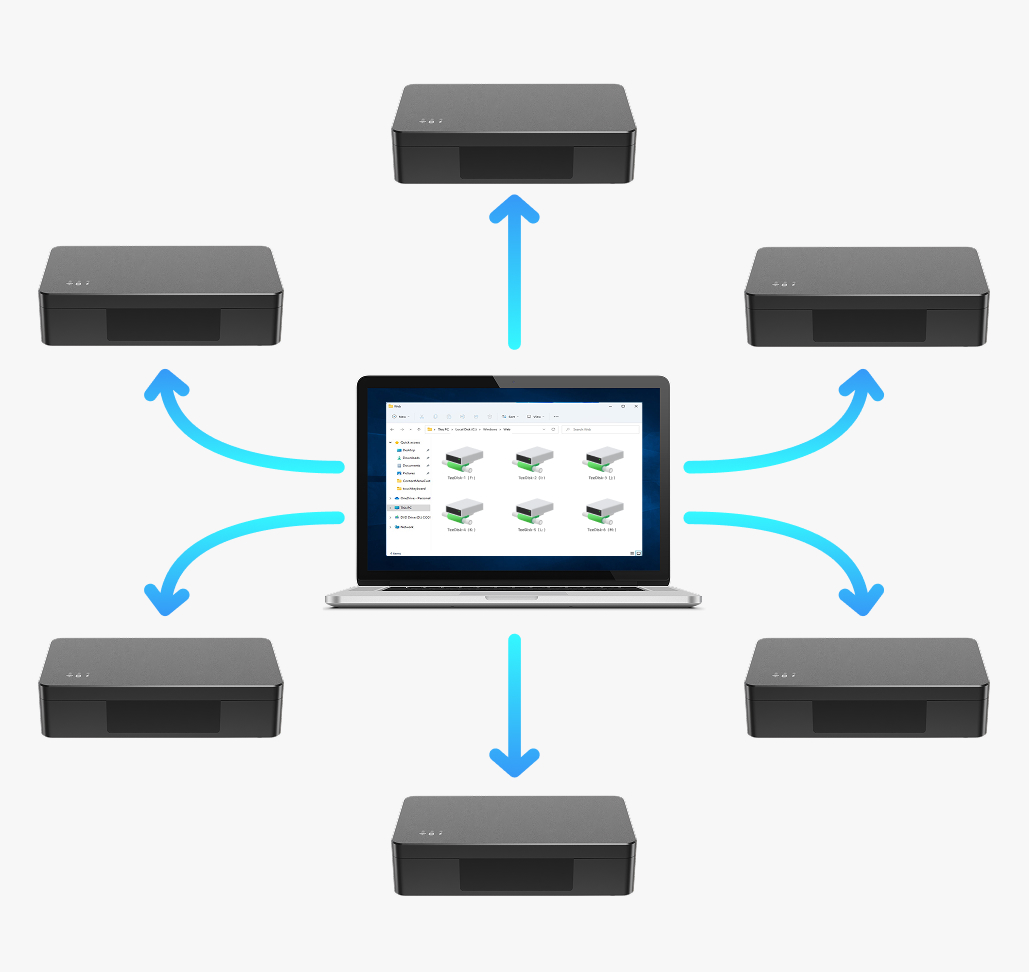
A single computer can centrally manage dozens or hundreds of TeeDisk devices and distribute files to multiple machines in batches.
Multi-Device Networking
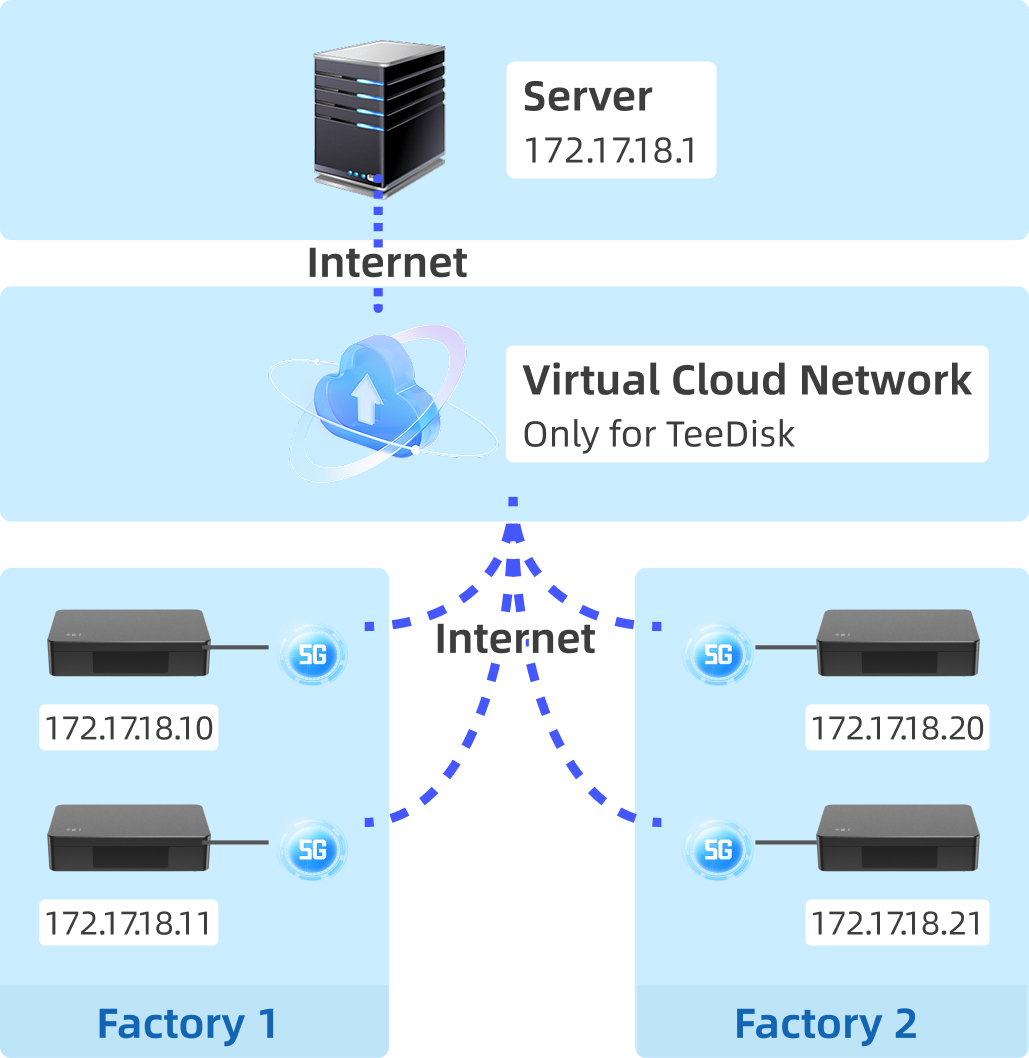
TeeDisk includes virtual private network (VPN) capabilities for large-scale remote device management. It reduces server-side configuration, maintains stable connections, encrypts data in transit, and provides fast, low-latency transmission. Enterprises can centrally manage devices and transfer data securely without complex configuration.
Advanced File Activity Logs
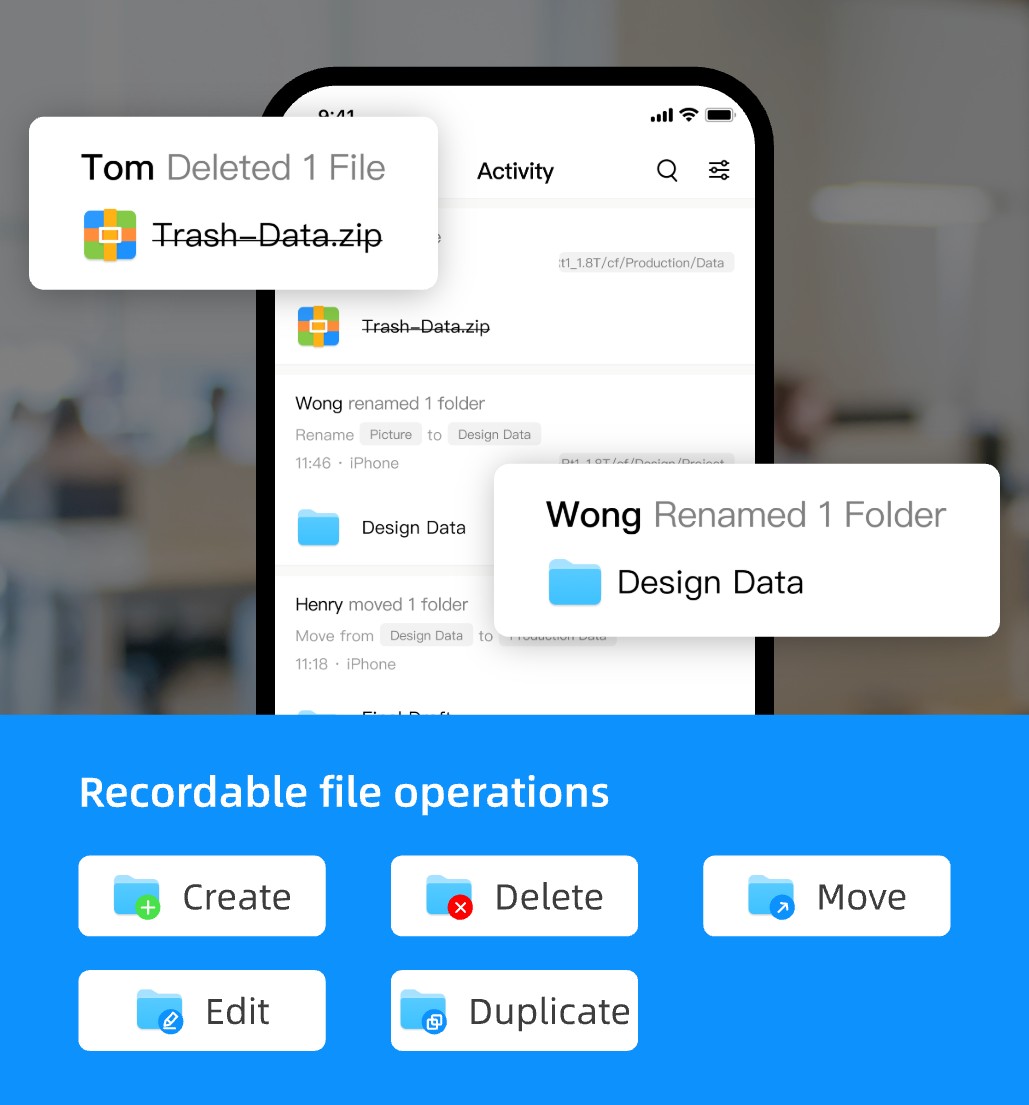
TeeDisk logs file operations, including uploads, modifications, and deletions, for easier auditing and management.
Automatic Data Cleanup
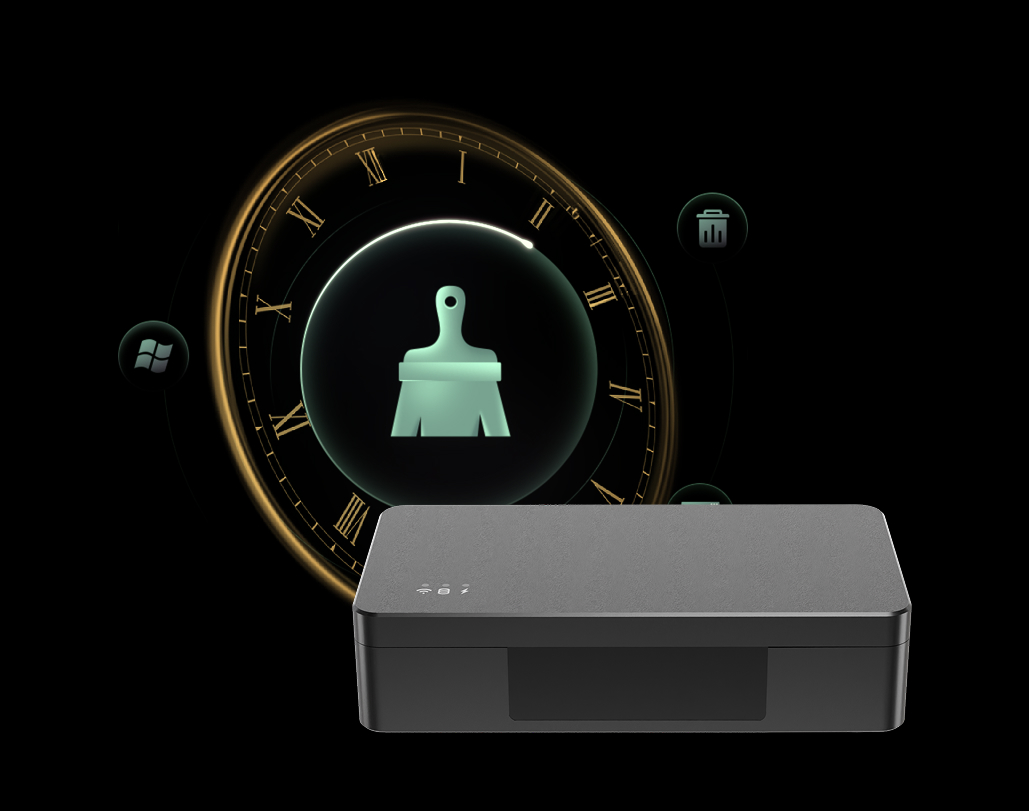
Users can configure TeeDisk to automatically delete files older than a specified date or time, eliminating the need to manually clean up old files across multiple devices.
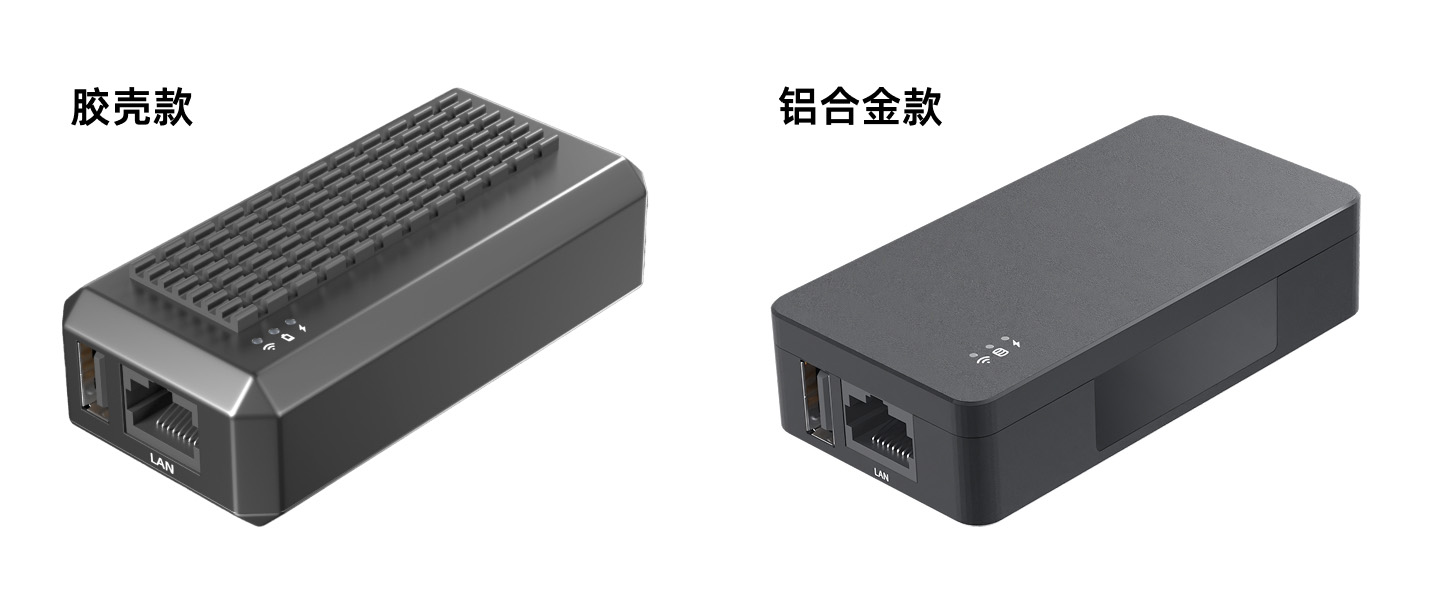
Durable Aluminum Alloy Enclosure
TeeDisk's aluminum alloy enclosure combines high structural strength with efficient heat dissipation.
It is designed for demanding industrial environments, high temperatures, and harsh operating conditions. Compared with a plastic enclosure, aluminum alloy provides greater durability and helps extend service life.
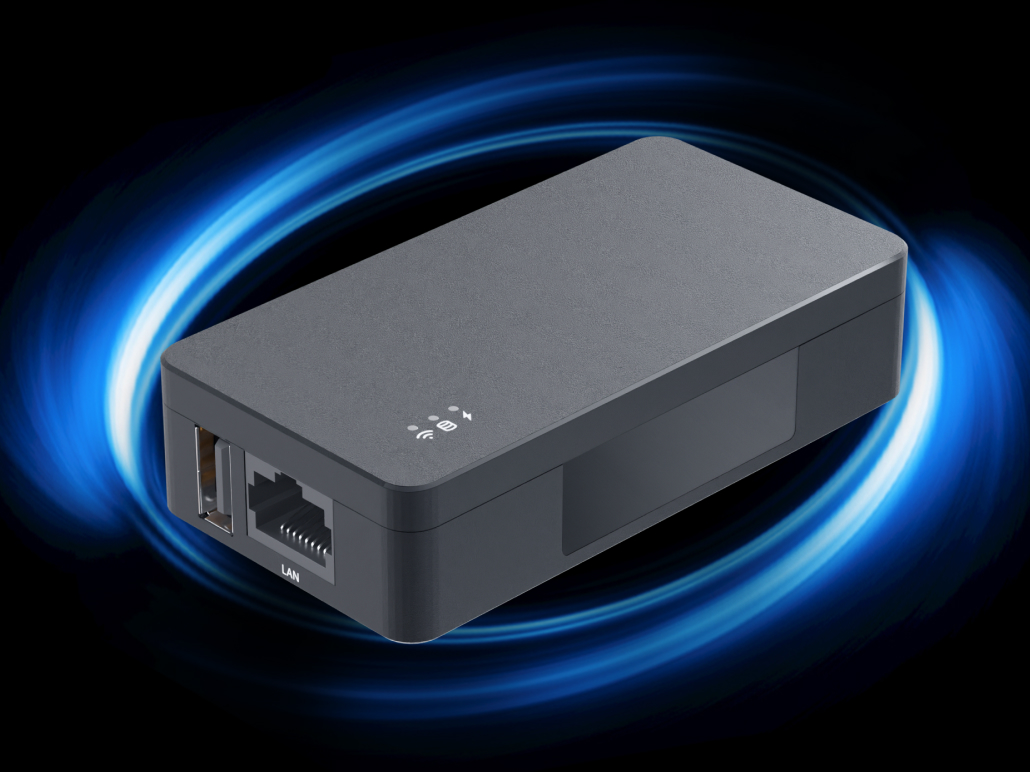
TeeDisk Scan-to-Fetch Edition
TeeDisk® Scan-to-Fetch Edition is an intelligent file-retrieval USB drive designed for delivering files to industrial equipment.
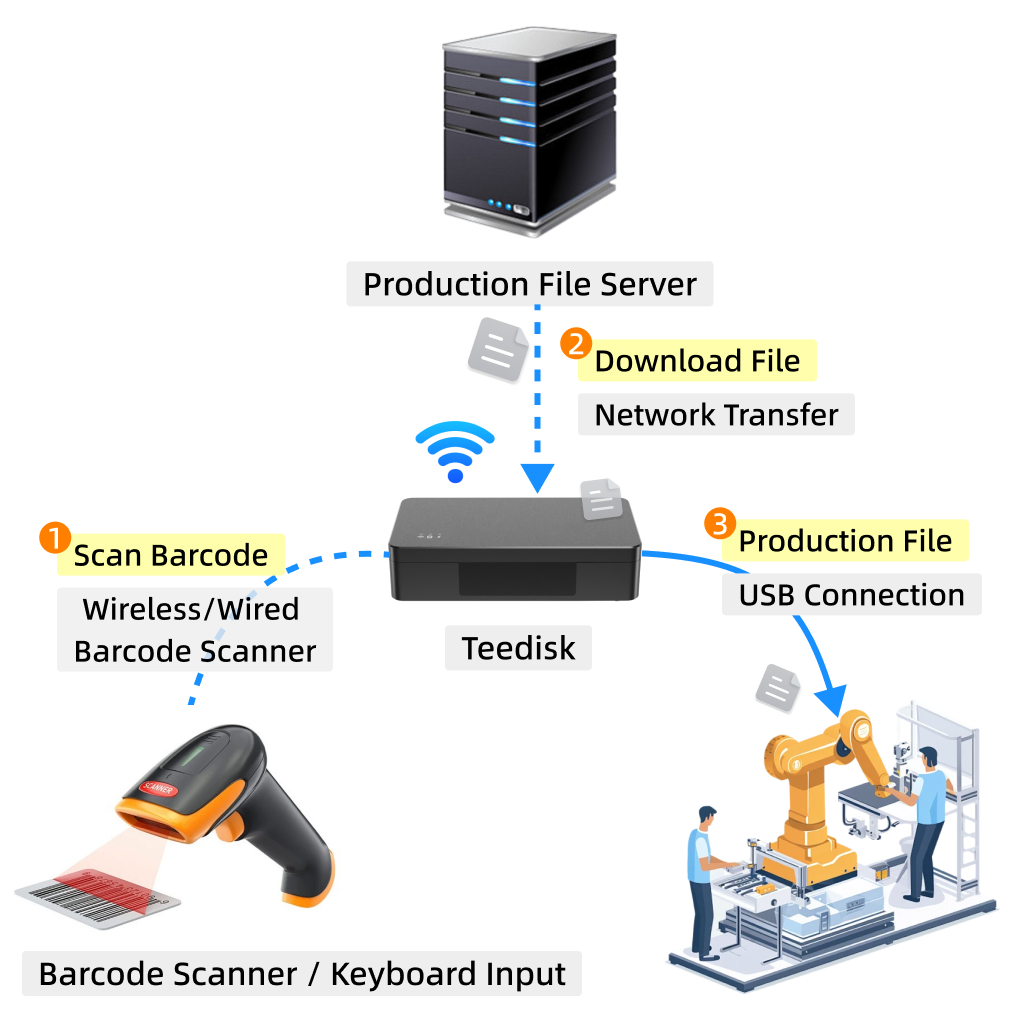
It supports an external barcode scanner or keyboard. Operators simply scan a file code at the equipment, and TeeDisk automatically retrieves the matching file from a server, NAS, or shared computer folder, then makes it available to the equipment as if it were stored on a standard USB drive.
No software changes are required on the equipment. It continues to read files from a USB drive as usual, while the file-delivery workflow is upgraded from manually locating and copying files to automated scan-to-fetch delivery.
It includes all features of the One-Way Edition, excluding data collection.
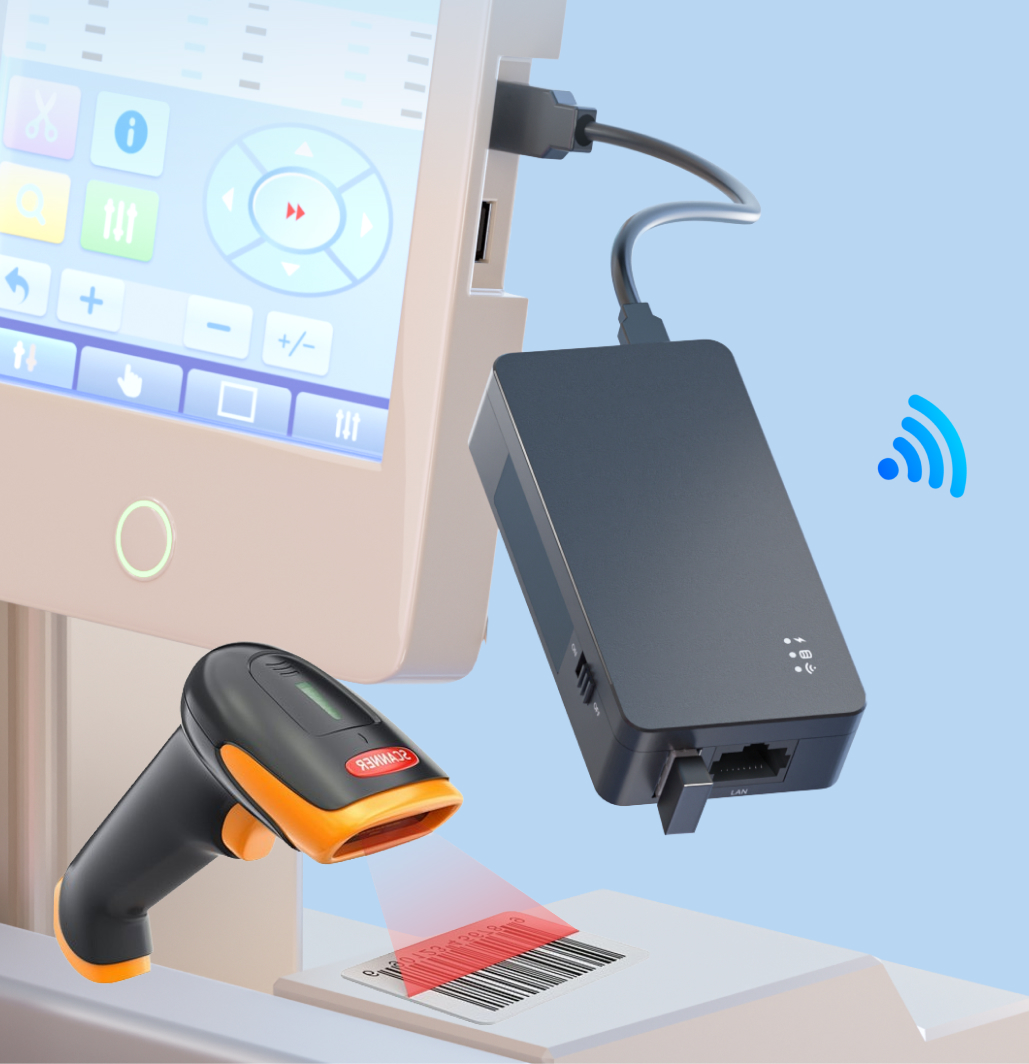
Scan-to-Fetch
Scan Once and Start Production Faster
No need to browse folders or manually copy files to a USB drive.
Operators scan a file code, and TeeDisk Scan-to-Fetch Edition automatically retrieves the matching file from a server or shared computer folder and makes it available directly to the equipment.
By replacing manual file searches with scan-to-fetch delivery, production files reach equipment faster.
Scan-to-Fetch
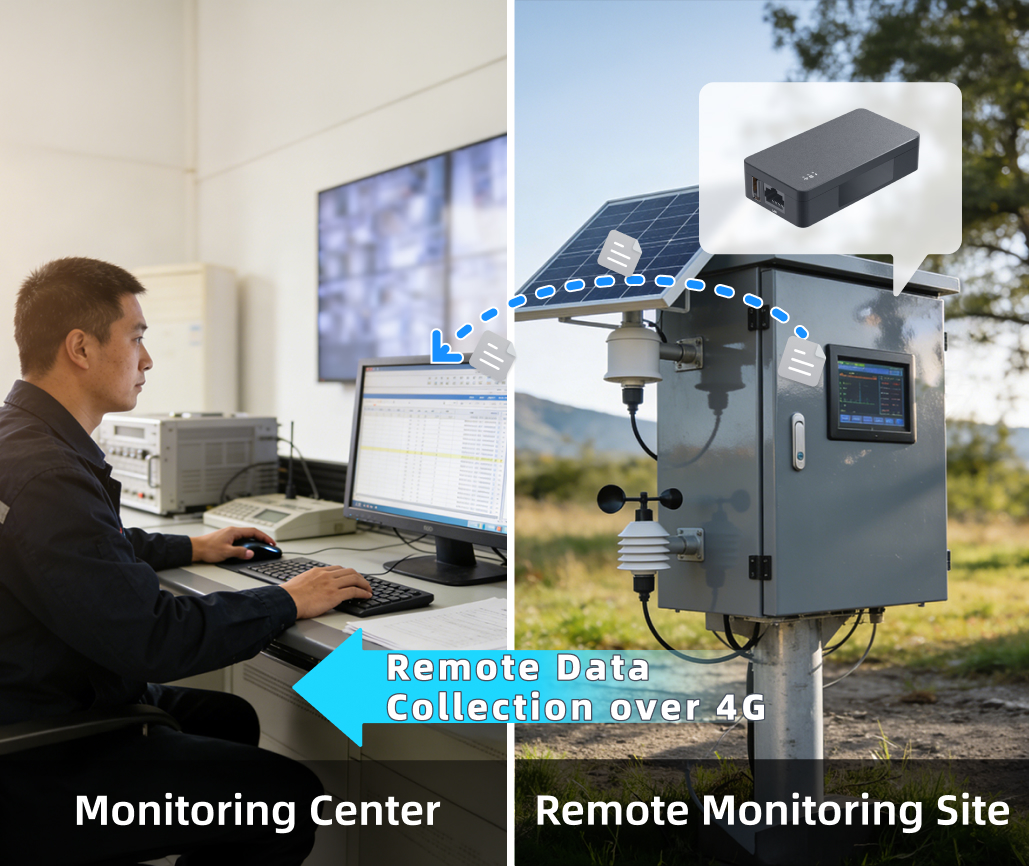
4G Adapter Support for Remote File Access
TeeDisk supports external 4G network adapters, allowing equipment to connect where wired networks are unavailable.
Whether the equipment is in a factory, outdoors, or at a remote site, users can remotely access TeeDisk to read or upload files without traveling to the site.
Users can view, download, and upload files remotely, making it possible to manage equipment files from anywhere.
Open APIs for Custom Integration
TeeDisk provides open APIs for custom integration. Developers can extend and customize its capabilities, integrate TeeDisk with other systems, and adapt it to specific equipment and workflows.

Quick Setup, Easy Operation
Connecting TeeDisk via Ethernet
- Connect TeeDisk to the USB port of the equipment.
- Connect TeeDisk to the local network with an Ethernet cable.
- In File Explorer on the computer, enter \\TeeDisk IP address
- Start transferring data to and from TeeDisk.
Connecting TeeDisk to a Wi-Fi Router
- Use a phone or Wi-Fi-enabled computer to find TeeDisk's built-in hotspot and connect to it.
- Open TeeDisk's network management page and enter the Wi-Fi router's password.
- After TeeDisk connects to the Wi-Fi router, enter the following in File Explorer: \\TeeDisk IP address
- Start transferring data to and from TeeDisk.
Using TeeDisk Offline
- Use a Wi-Fi-enabled computer to find TeeDisk's built-in hotspot and connect to it.
- In File Explorer on the computer, enter \\192.168.238.254
- Start transferring data to and from TeeDisk.
Product Specifications
| Specification | Plastic enclosure | Aluminum enclosure |
|---|---|---|
| USB interface | USB 2.0 Type-A receptacle | |
| USB drive capacity | Configurable from 4 MB to 1 TB | |
| Supported file systems and formats | FAT16, FAT32, exFAT, NTFS, ext4, and 1.44 MB DOS floppy-disk format (select models only) | |
| Ethernet | 100 Mbps | |
| Wi-Fi standard | IEEE 802.11 b/g/n | |
| Auxiliary power input | 5 V DC / 1 A via USB | |
| Available editions | One-Way Edition, Basic Edition, Full-Feature Edition | |
| Enclosure material | Engineering-grade plastic | Aluminum alloy |
| Dimensions (L x W x H) | 89 x 42 x 26 mm | 89 x 46 x 22 mm |
| Net weight | 57 g | 84 g |
TeeDisk Feature Comparison
| Feature | One-Way | Basic | Full-Feature |
|---|---|---|---|
| Transfer data over the network to equipment via USB | Yes | Yes | Yes |
| Collect data over the network from equipment via USB | - | Yes | Yes |
| Transfer data through the web interface or mobile app | Yes | Yes | Yes |
|
Transfer collected USB data directly to a designated server within seconds
Note: this feature requires custom integration with the target equipment.
|
- | - | Yes |
| LAN transfer and automatic synchronization | Yes | Yes | Yes |
| Automatic file cleanup | Yes | Yes | Yes |
| Automatically delete files when the cable is unplugged or when the device starts | - | - | Yes |
| USB storage capacity | 4 GB | 16 GB | 64 GB |
| Basic remote access service | Yes | Yes | Yes |
|
High-availability, multi-route remote access service
Note: remote access supports SMB, FTP, HTTP, and other protocols.
|
Free for 90 days | Free for 90 days | Free for life |
| Operator accounts | 2 | 2 | 10 |
| Network access security controls | - | - | Yes |
| Sync data with SMB/NFS servers | Yes | Yes | Yes |
| Automatically upload files to FTP or HTTP servers | - | - | Yes |
| FTP server | - | - | Yes |
| Fully automatic Baidu Netdisk synchronization | - | - | Yes |
| Basic file permissions: read, write, and deny access | Yes | Yes | Yes |
| Advanced file permissions: prevent deletion, prevent modification, write-once, and write-only | - | Yes | Yes |
| Special file permissions: owner-level access, prevent creation, and allow playback while preventing downloads | - | - | Yes |
|
Share links for files and folders
Note: users need their own public IP address and ICP-registered domain name.
|
- | - | Yes |
| Upload and download entire folders through the web interface | - | - | Yes |
| Customize the app splash screen, logo, and name | - | - | Yes |
|
Software APIs for custom integration
Note: technical support for development is billed separately.
|
Yes | Yes | Yes |